 PictureWriter
Your best cut. Any size.
A small Mac video editor that works with projects of any size and comes with a catalogue of effects for the most polished results.
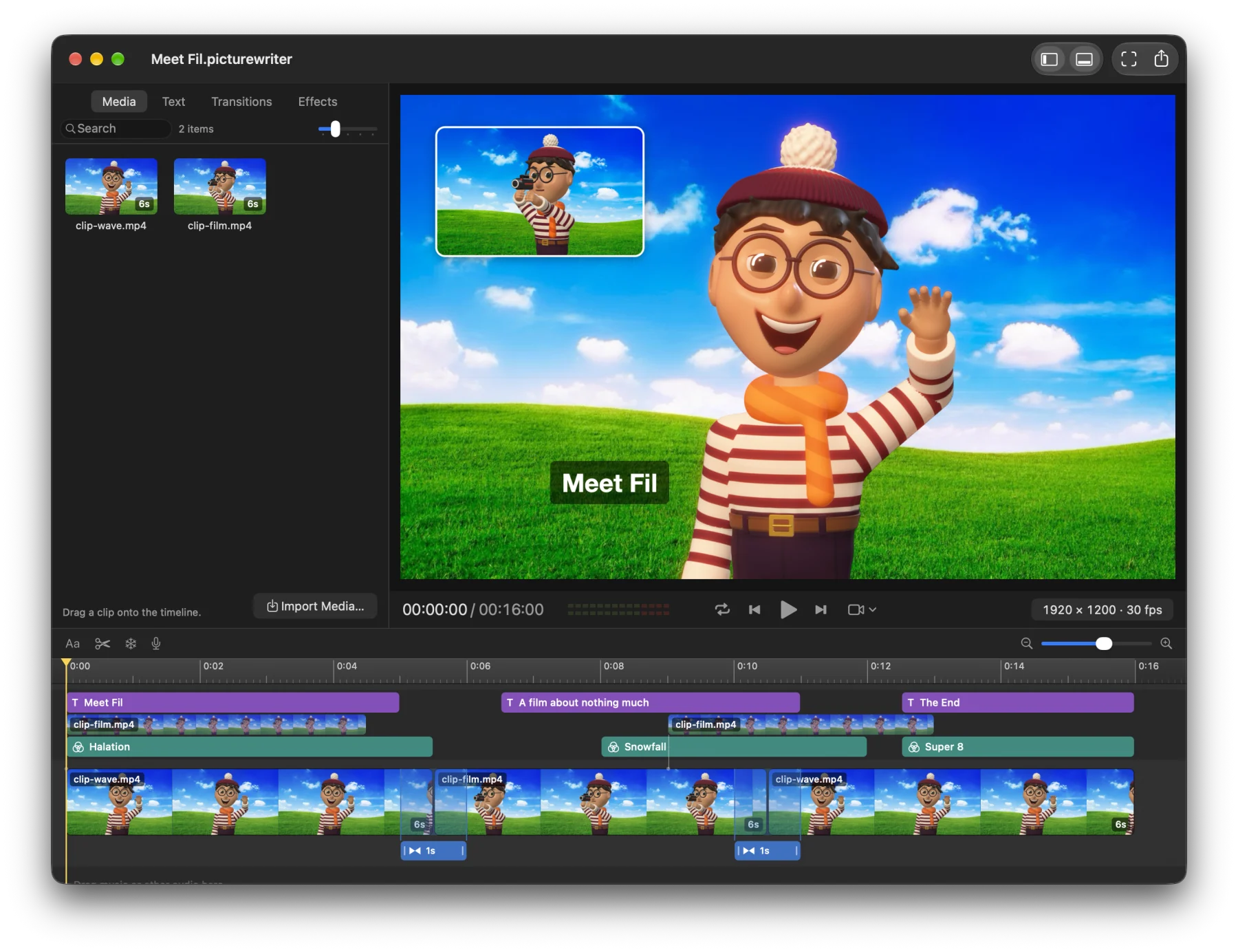
- Any frame size
- 96 transitions
- 98 effects
- 12 title styles
- 32 text effects
- Native Mac app
Origin story
It began with 886 × 1920 px.
A portrait App Store preview for iPhone is 886 by 1920 pixels and 30 frames per second. Most video editors can't handle that, and professional apps require a multi gigabyte download and still make it needlessly hard.
This is where PictureWriter shines. You choose a preset and get going. Everything after that, the viewer, the titles, the export, works at that size.
The app makes use of the built-in frameworks that come with your Mac, which keeps it small and snappy. It focuses on the fun part of making movies.
The transition catalogue
96 ways to move between shots.
You'll find the plain dissolves and wipes here. But the app is also packed with reel changes, tape rewinds and other playful recreations from movies and TV.
-
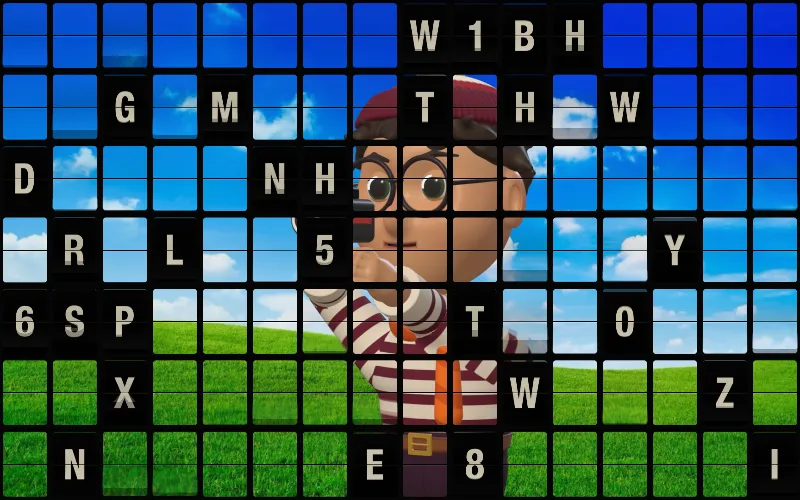
Split-Flap Board
A station's flap board clatters round to the next picture.
-
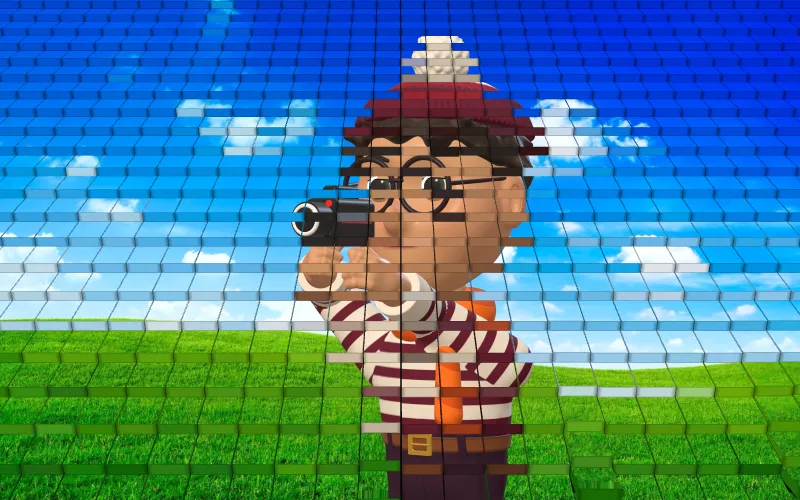
Dominoes
A wave topples dominoes that show the next shot.
-
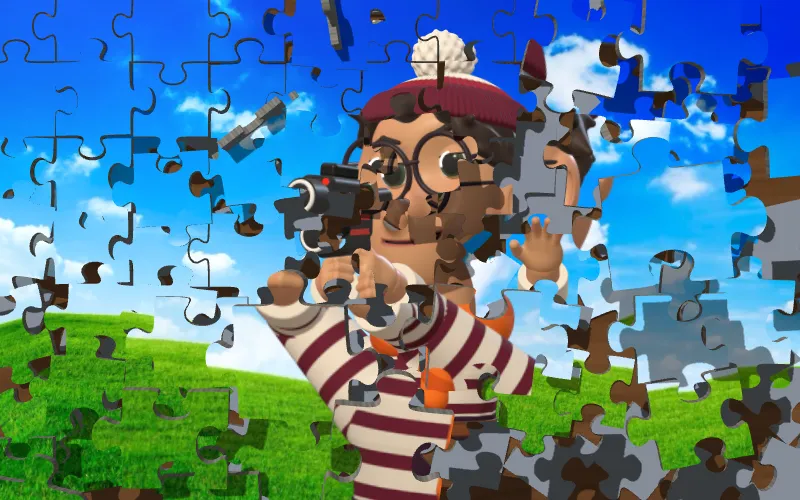
Jigsaw
A jigsaw is thrown apart and the next one is pushed home.
-
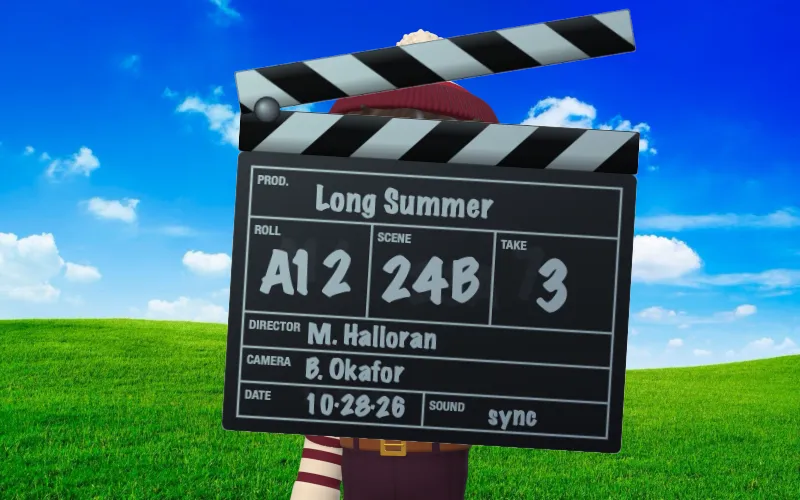
Clapperboard
A film slate claps shut on the cut.
-
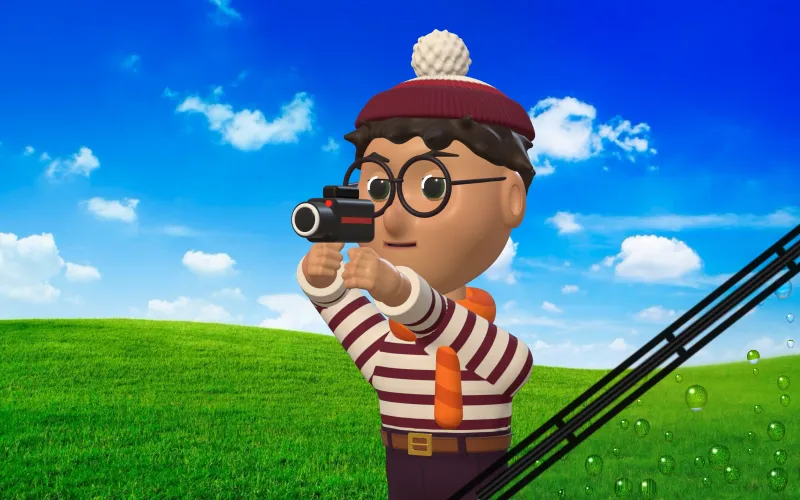
Windscreen Wiper
Rain beads on the glass and a wiper clears to the next.
-
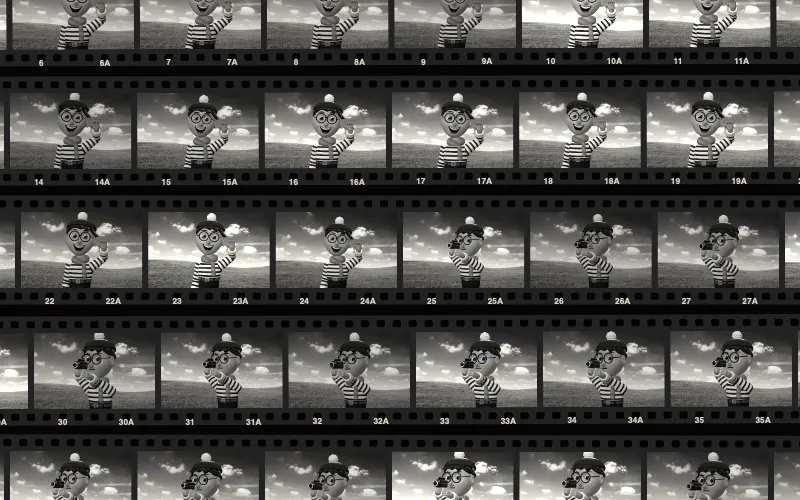
Contact Sheet
The shot joins a contact sheet; a loupe finds the next.
-
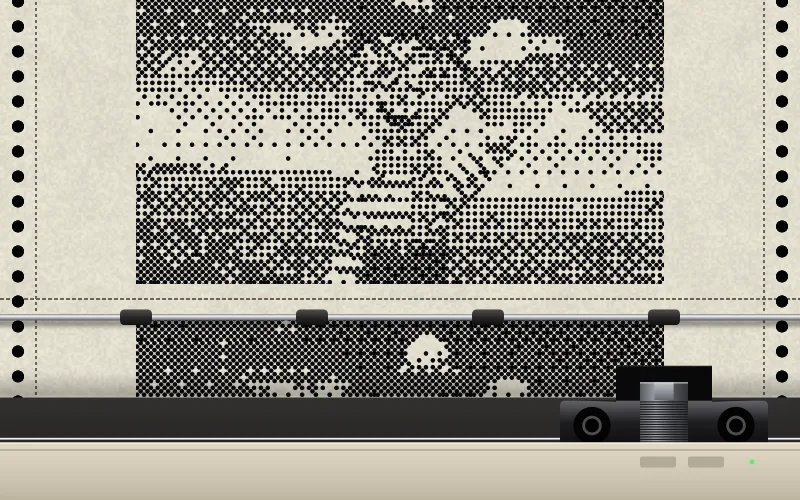
Dot Matrix Print
A dot-matrix printer prints the next picture in passes.
-
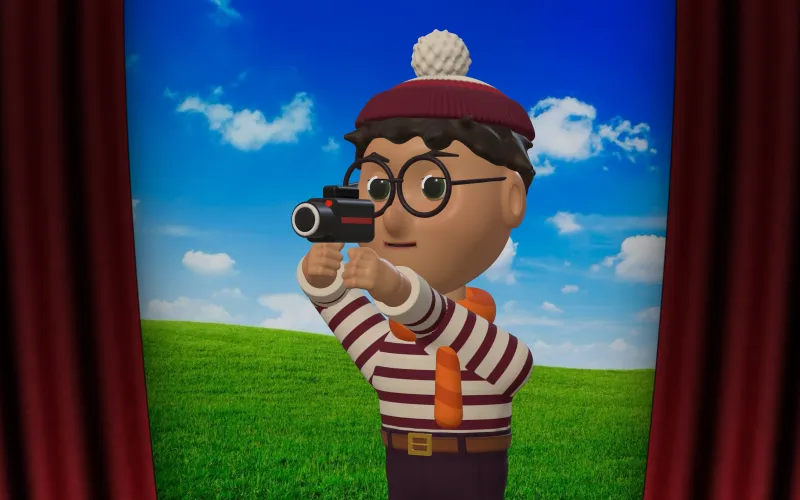
Cinema Curtain
Red velvet curtains close, then part on the next shot.
-

Flood
Clear water fills the frame, then drains on the next shot.
-
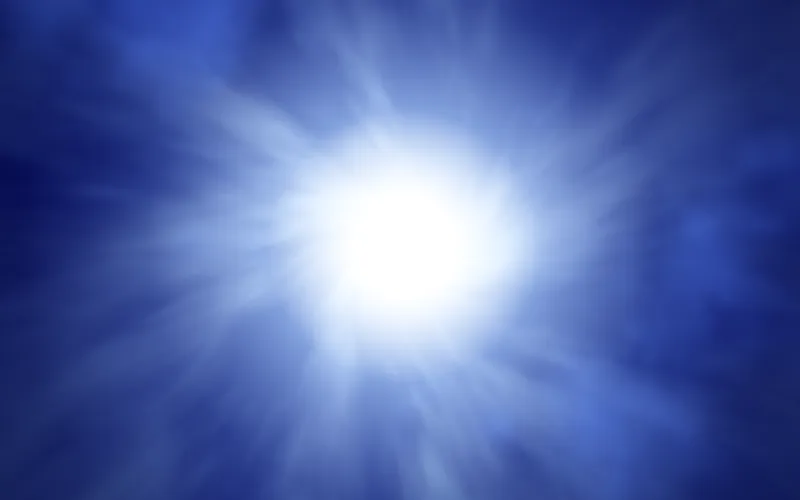
Hyperspace
Stars streak into a white flash, a jump to light speed.
-

Time Jump
Electric arcs burst in smoke, leaving two tracks of fire.
-
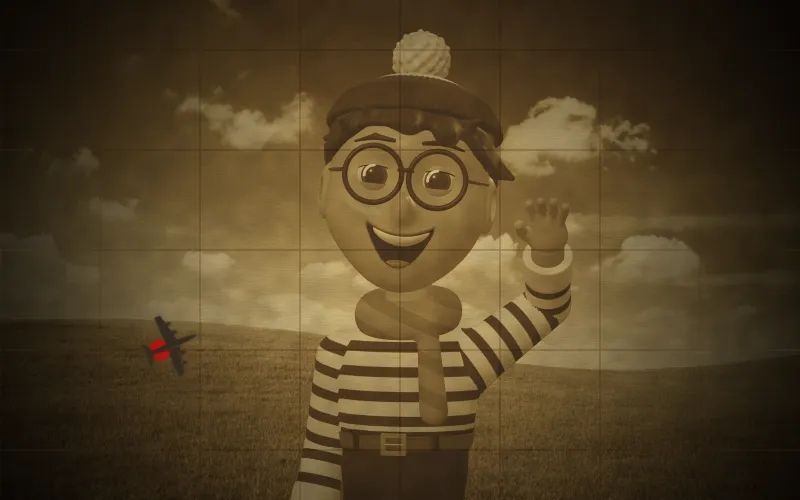
Map Route
A red route is drawn across a sepia picture.
-
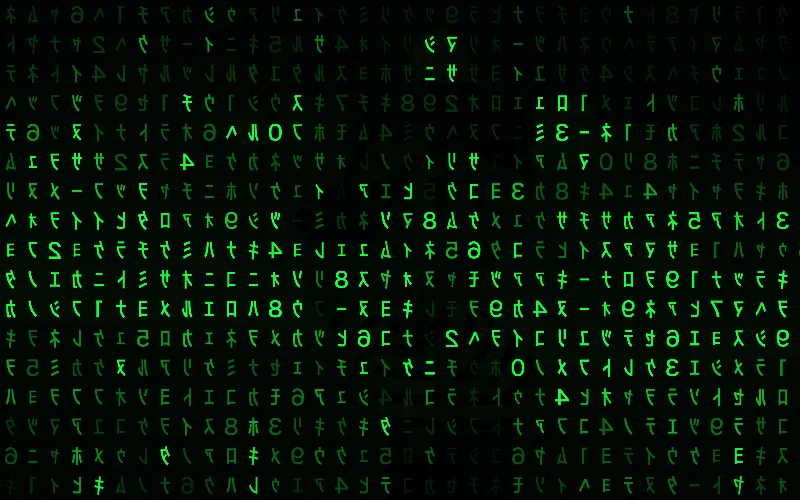
Digital Rain
Falling green glyphs wash out the shot and form the next.
-
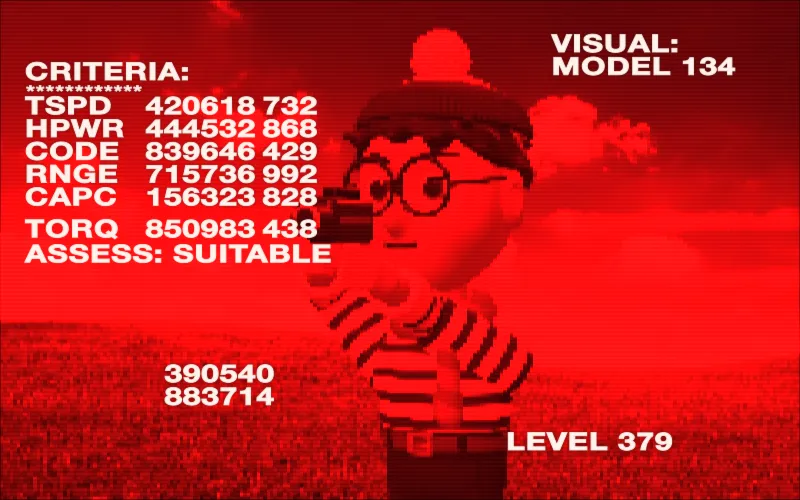
Machine Vision
A red, low-res vision with readouts and a target lock.
-
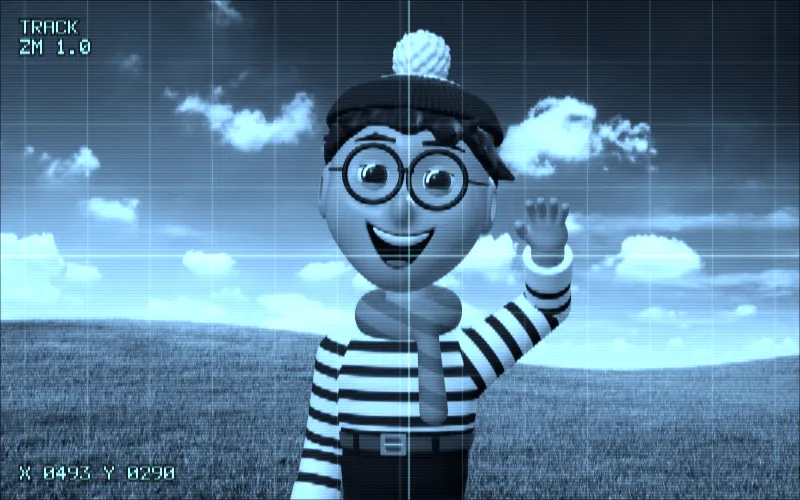
Enhance!
A photo-analysis screen zooms in, in clunky steps.
-
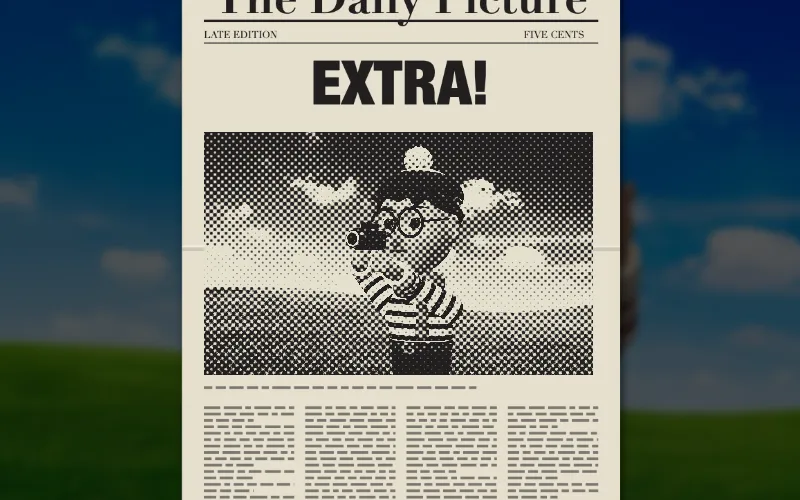
Spinning Headline
A newspaper spins in with the next shot on its front page.
-

Rear Projection
The person stays while the next shot plays behind them.
-
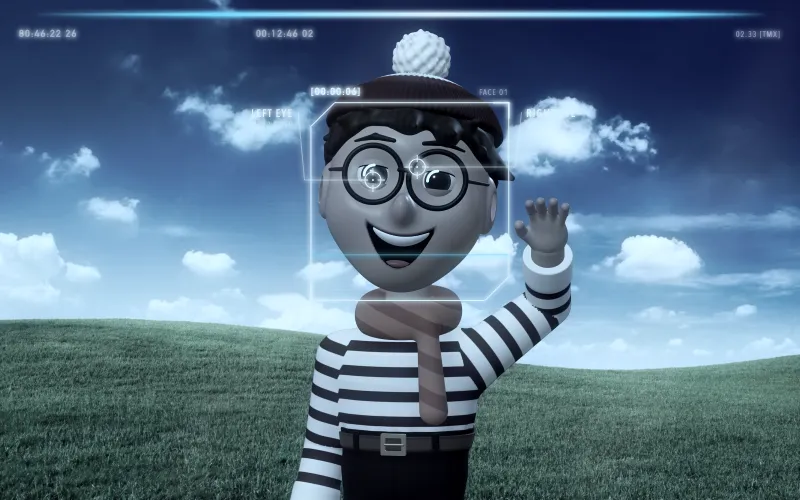
Facial Recognition
Face tracking and a database search match the next shot.
-

Sitcom Credits
People pop out onto a 90s backdrop with a caption.
-
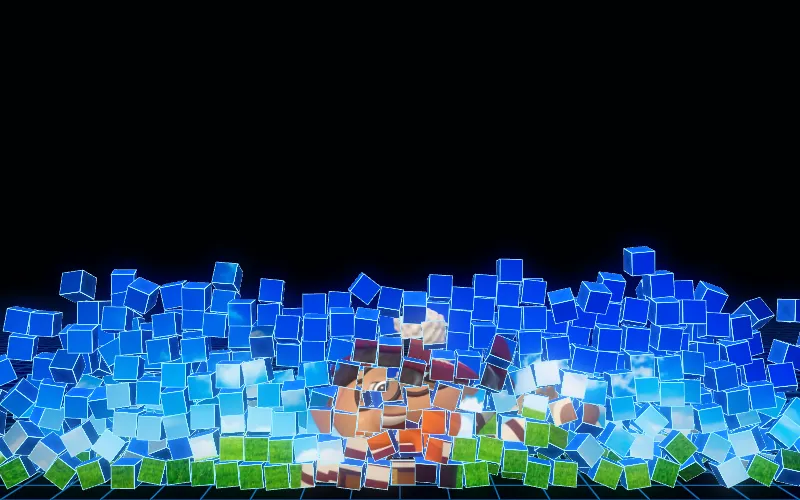
Digitized
A wall of cubes collapses; the next shot drops in cubes.
-
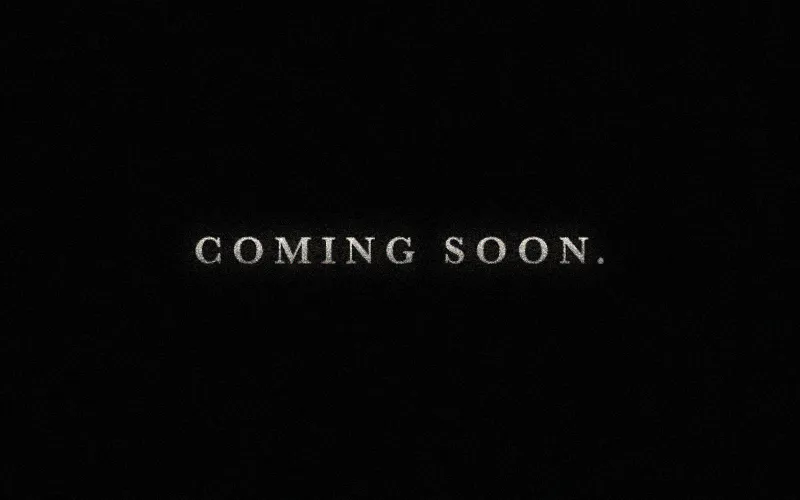
Trailer Card
90s trailer cards written about what's in the shots.
-
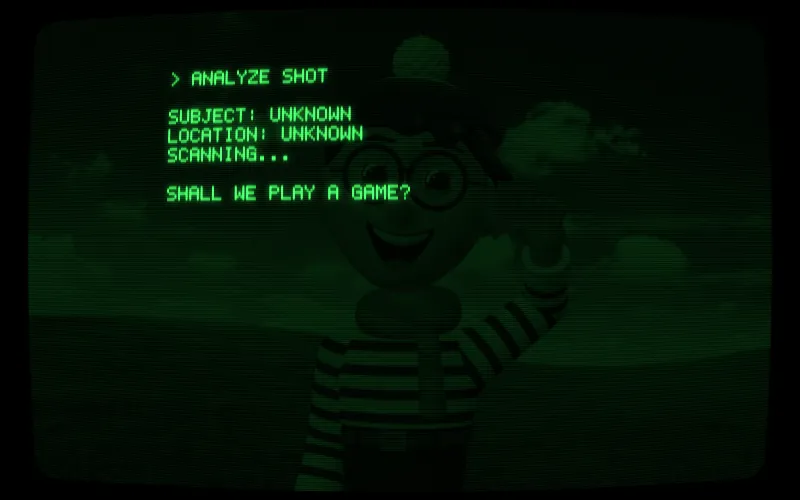
Computer Terminal
A green terminal types what it sees in the shot.
-
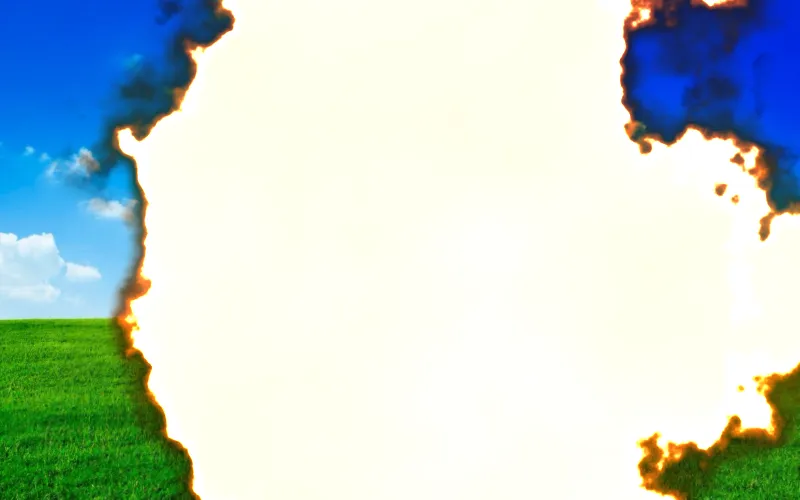
Film Burn
The film melts in the projector gate.
-

Light Leak
Light leaks onto the end of the roll, flaring at the cut.
-
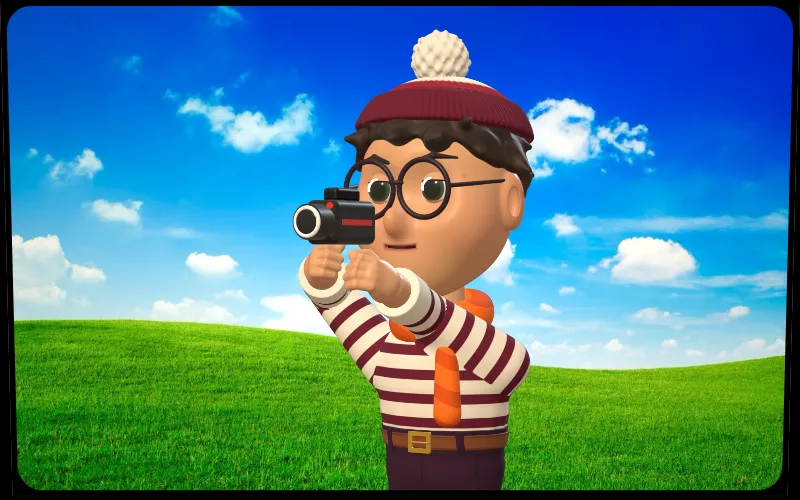
Slide Projector
A carousel projector changes slides.
-

Tape Splice
A home-movie splice: clear tape, a jump and a flash.
-
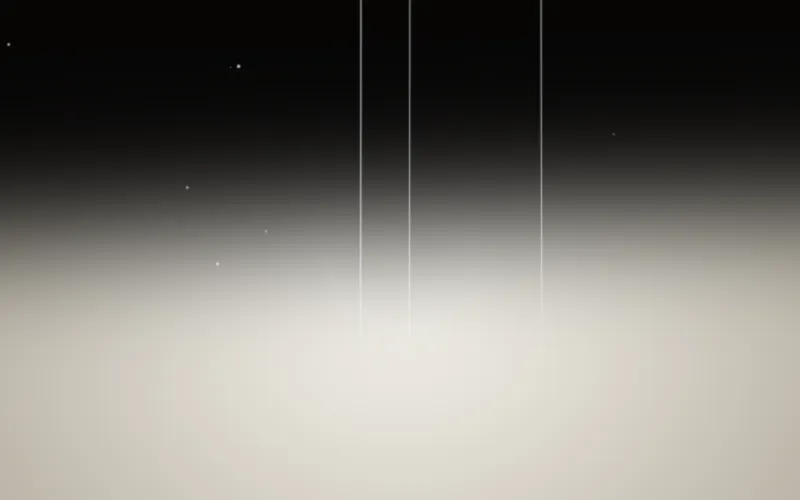
Reel Run-out
The reel's tail runs out to the bare lamp, then the next.
-
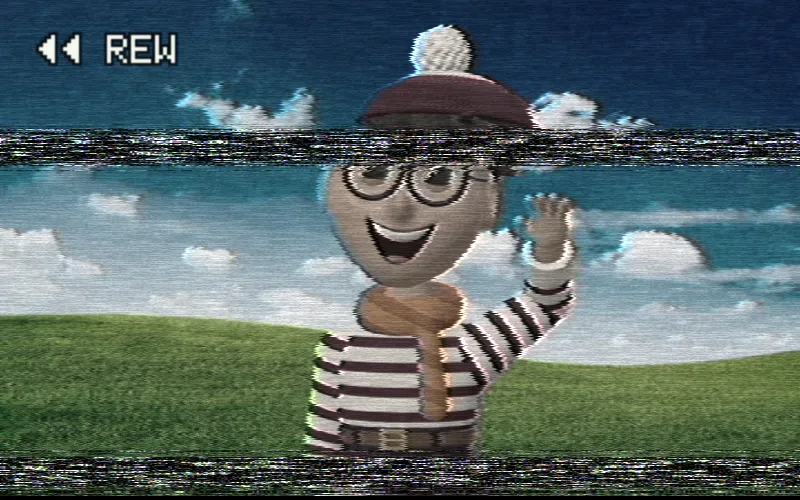
Tape Rewind
The picture rewinds at speed with tape noise.
-
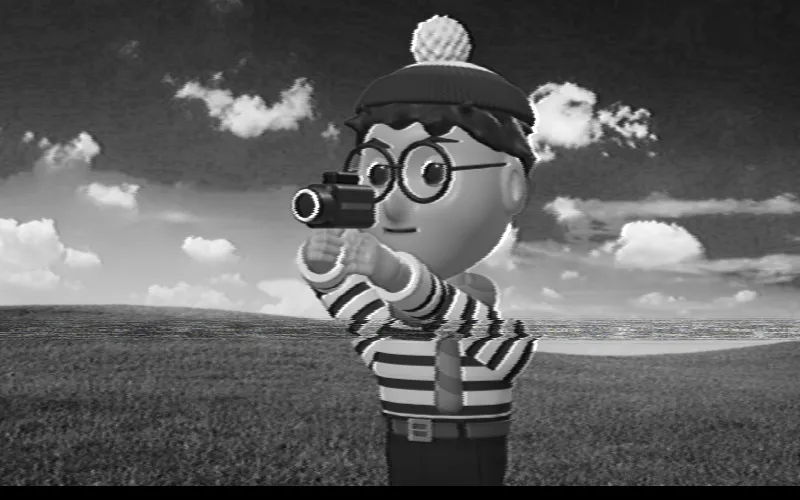
Channel Change
A TV flips channels through static to the next clip.
-
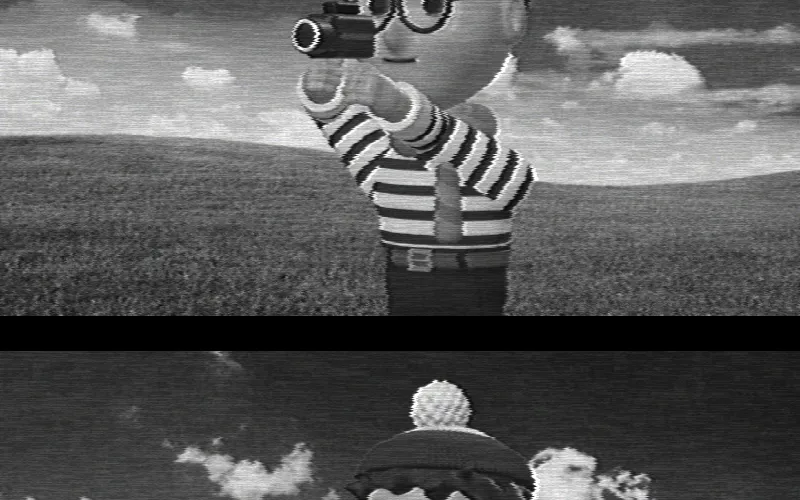
Test Card
A test card, a moment off air, then the next programme.
-
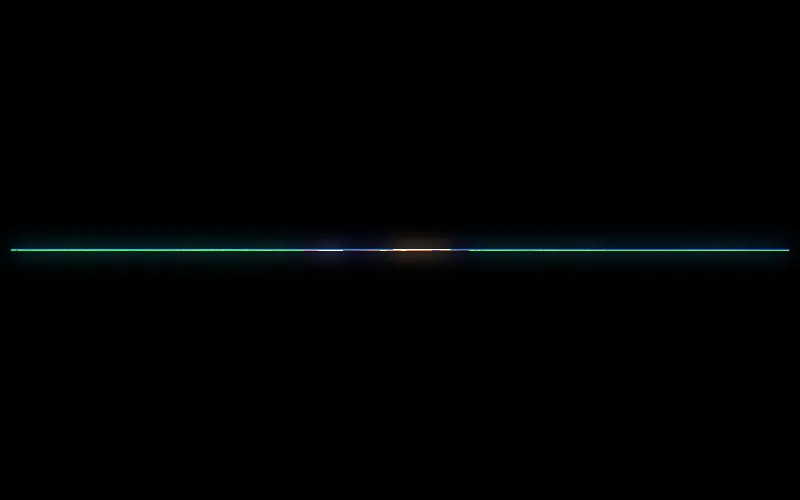
TV Switch-Off
The picture collapses to a line and a dot, like an old TV.
-
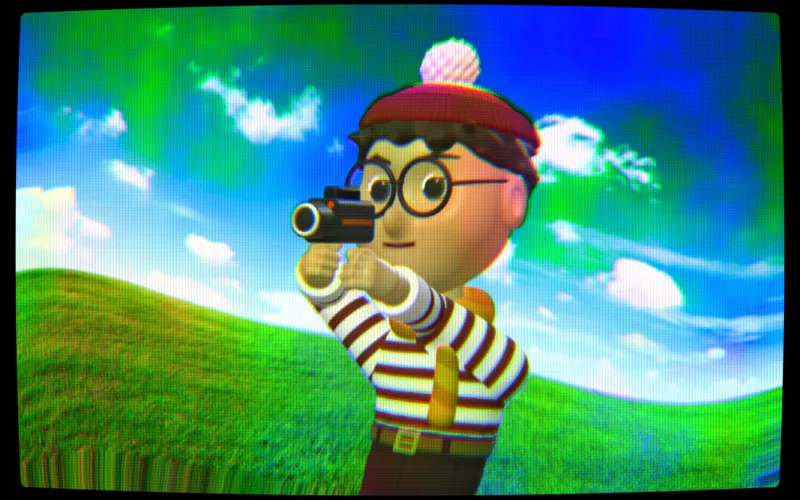
Degauss
A CRT wobbles and swirls with colour, then settles.
-

Iris In
An iris closes on the person and opens on the next shot.
-

Leaf Shutter
Metal shutter blades iris closed and open on the next.
-

Rack Focus
Focus pulls away into bokeh and sharpens on the next.
-

Sun Flare
The brightest light swells into a flare and burns out.
-

Whip Pan
The camera snaps sideways in a streak of motion blur.
-
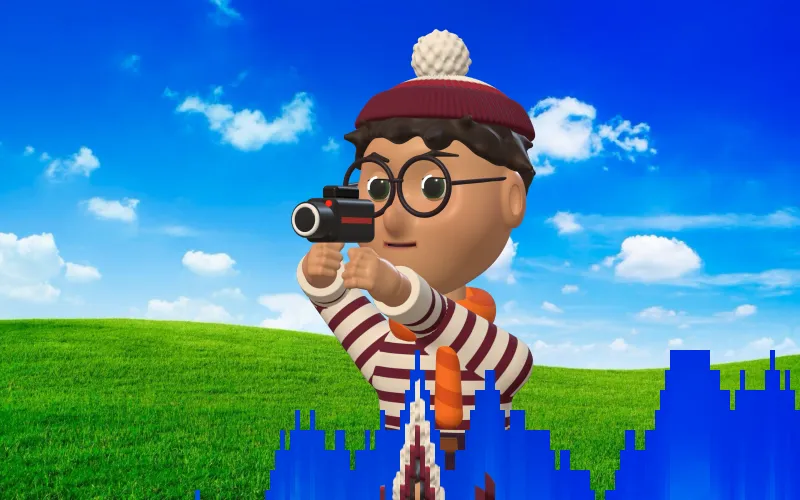
Screen Melt
The old picture melts down the screen in columns.
-
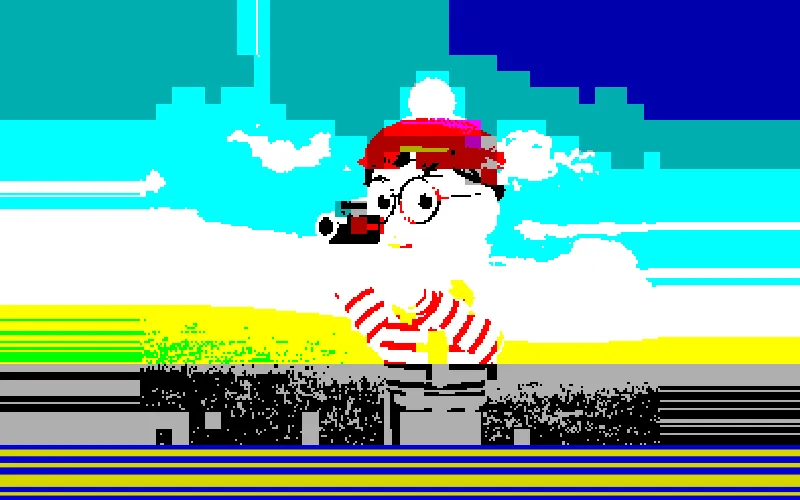
Tape Loading
A home computer loads the picture from cassette.
-
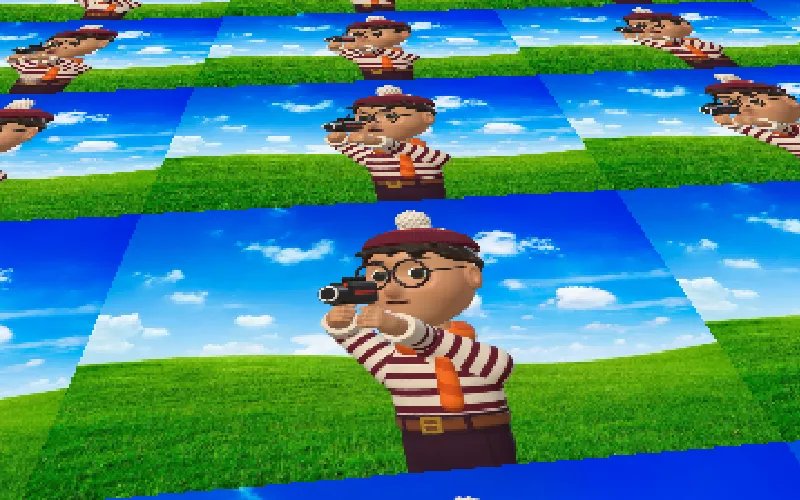
Mode 7 Floor
The picture tips back into a spinning 16-bit floor.
-

Battle Swirl
A console RPG's blinks and spiral of blocks to black.
The effects catalogue
98 built-in effects. No plug‑ins.
Everything ranging from simple adjustments and film stocks, to lens filters, tape and tube TV looks, right in the app. Stack multiple effects in the timeline to see them interact with each other.
-

Fireworks
A firework display at dusk behind the people in the shot.
-

Snowfall
Soft snow drifts down, swept aside as people move.
-
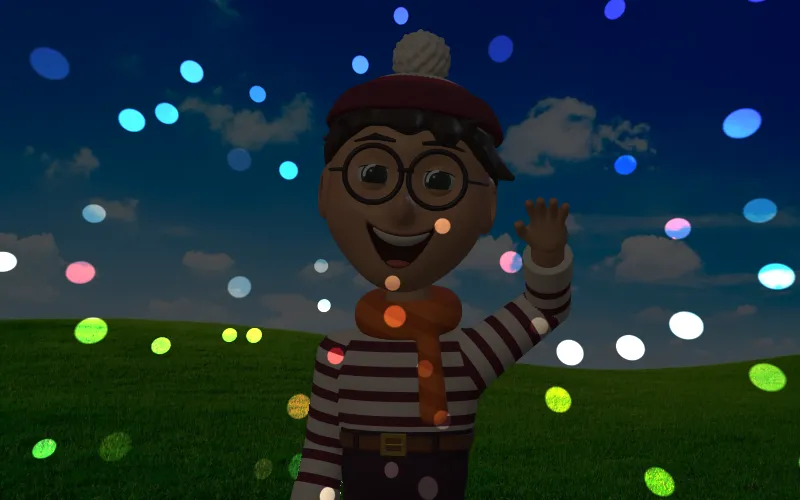
Mirror Ball
A dark room with a mirror ball's spots sweeping over it.
-

Kinetic Wall
A wall of cubes pushes out in time with the soundtrack.
-

Bubbles
Soap bubbles float up and burst as people reach in.
-

Confetti Drop
Confetti flutters down in front of and behind people.
-

Falling Leaves
Autumn leaves tumble and rock down through the shot.
-

Cold Breath
Breath fogs in freezing air, and skin frosts over.
-
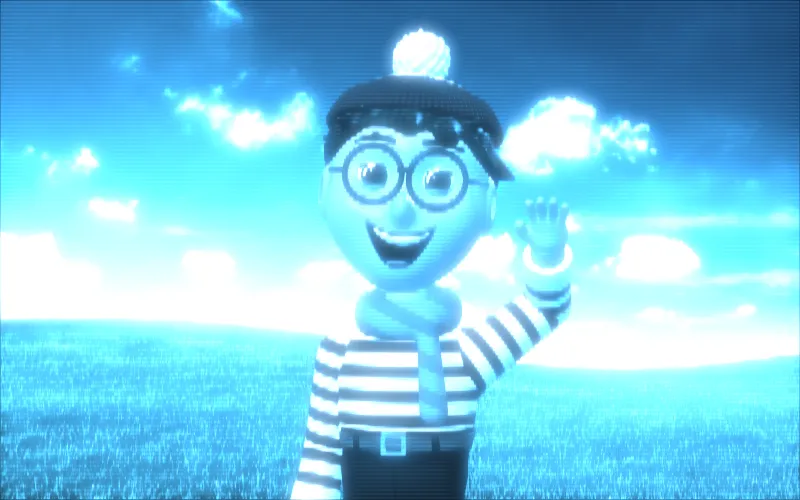
Hologram
A flickering blue projected message.
-
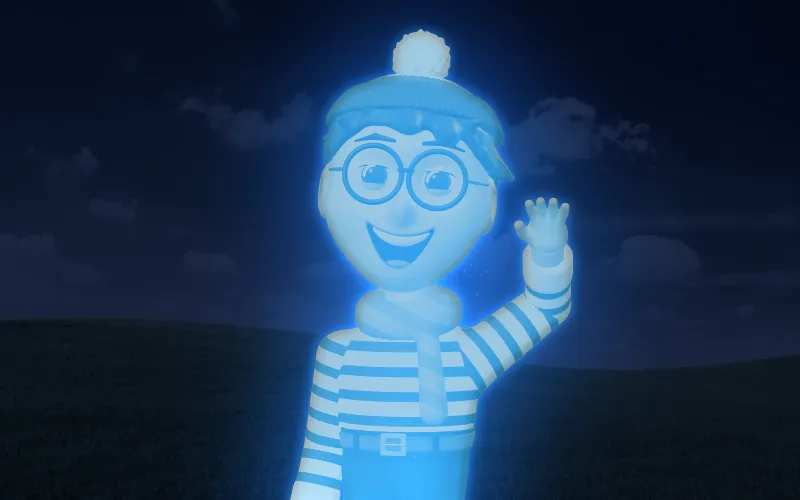
Holoprojector
People become a flickering blue hologram in a dark room.
-
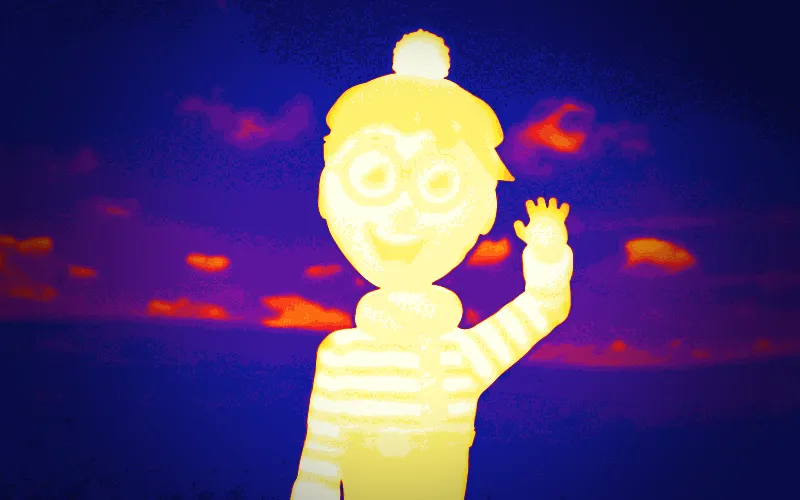
Thermal Vision
People glow hot against a cold room, as in heat vision.
-
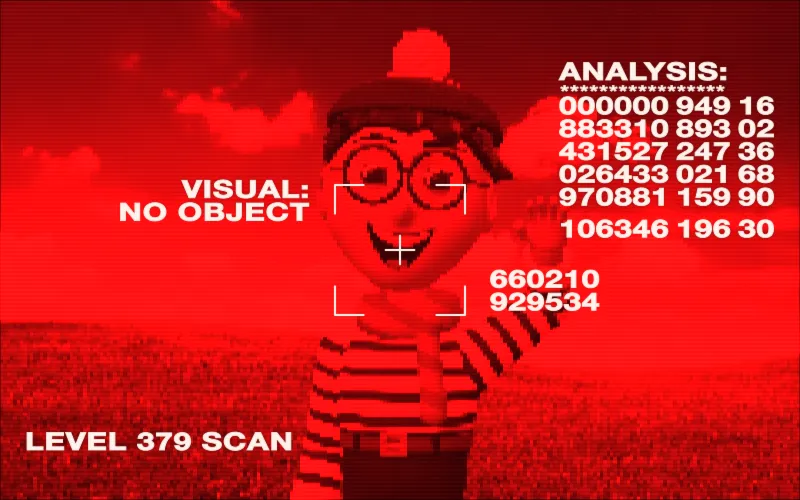
Machine Vision
A cyborg's red vision, scanning and sizing up the shot.
-

Motion Tracker
A handheld tracker pings and shows blips for what moves.
-

Glowing Fingertip
A pointing fingertip glows red-hot.
-

Electric Power
Blue lightning crackles in a ball between two hands.
-

Spell Sparks
A pointing fingertip leaves sparks hanging in the air.
-
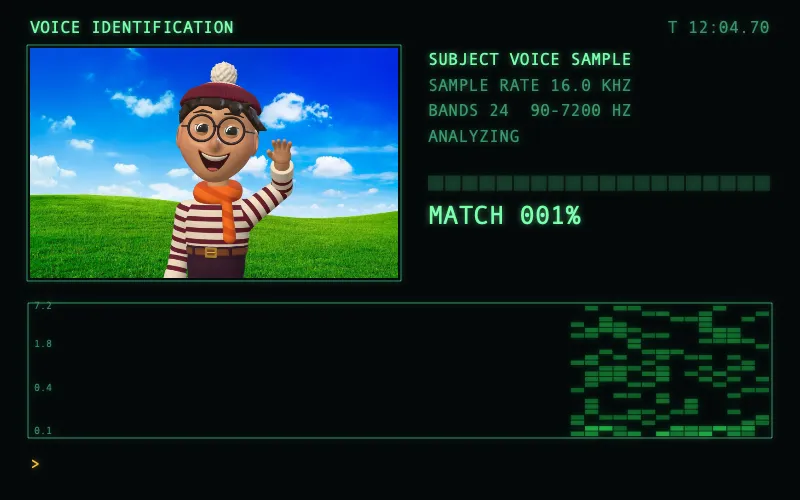
Voiceprint
A 90s voice ID screen scrolling the sound of the clips.
-

Super 8
Warm, faded home movie film with grain and flicker.
-
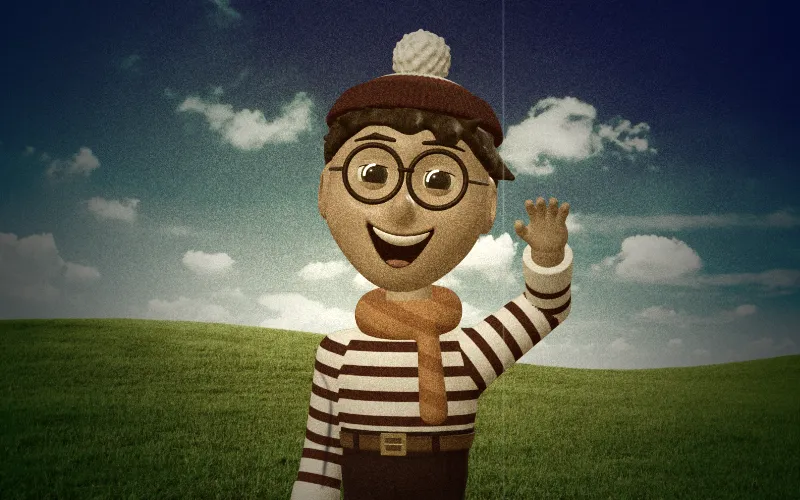
Old Film
Sepia film with grain, flicker, scratches and dust.
-

Halation
A red-orange glow around the highlights, as on film.
-

Bleach Bypass
The silvery, desaturated, contrasty look of skipped bleach.
-

Cross Process
Slide film in the wrong chemistry: yellow-green and cyan.
-

VHS
A worn tape played back, soft with smeared colour.
-
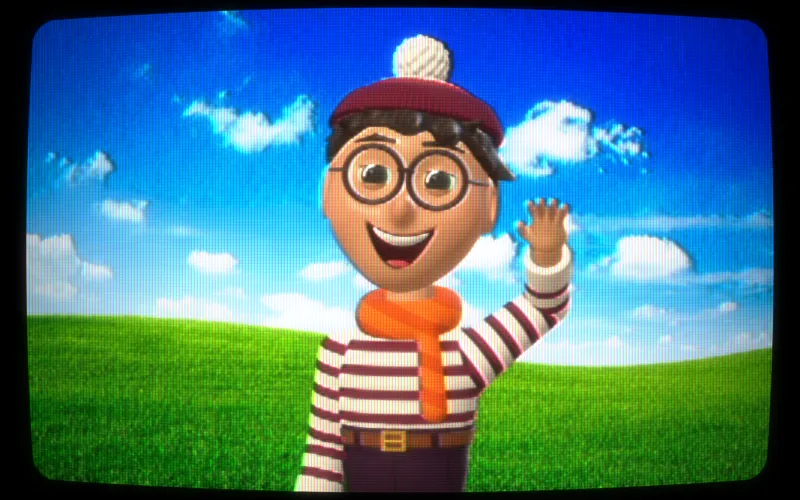
CRT TV
The picture on a curved tube TV with scanlines.
-
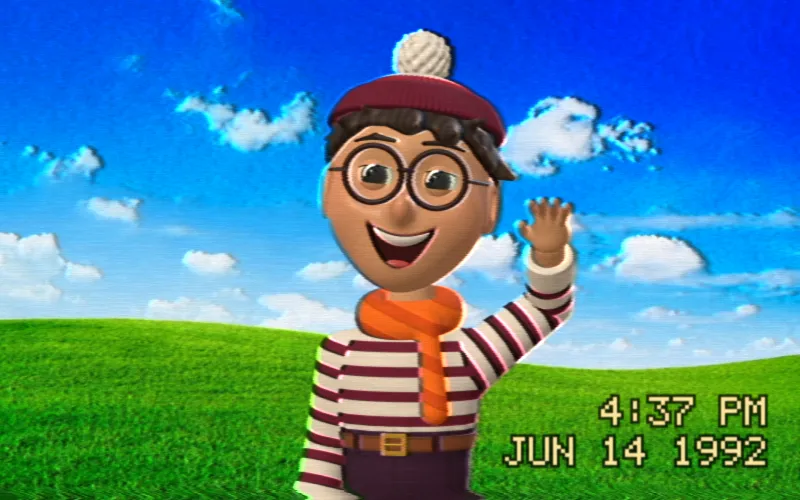
Camcorder
90s home video with a burnt-in date and time.
-
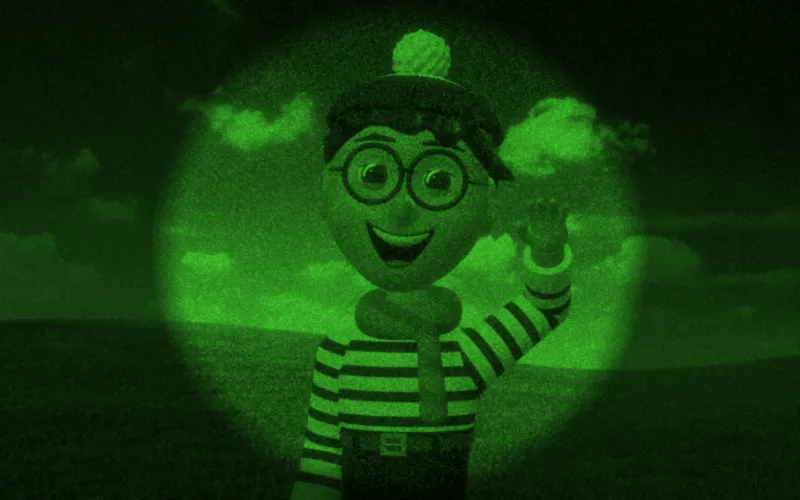
Night Vision
The noisy green picture of night vision goggles.
-
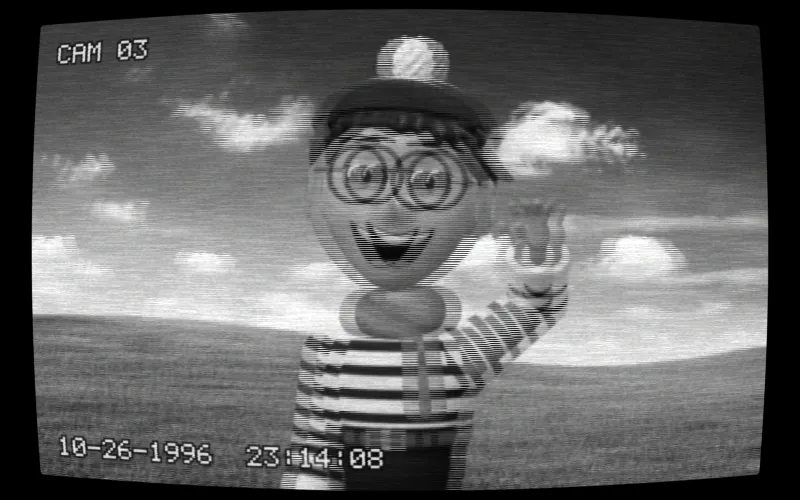
Security Camera
Grainy, cold black and white from a wide-angle CCTV.
-
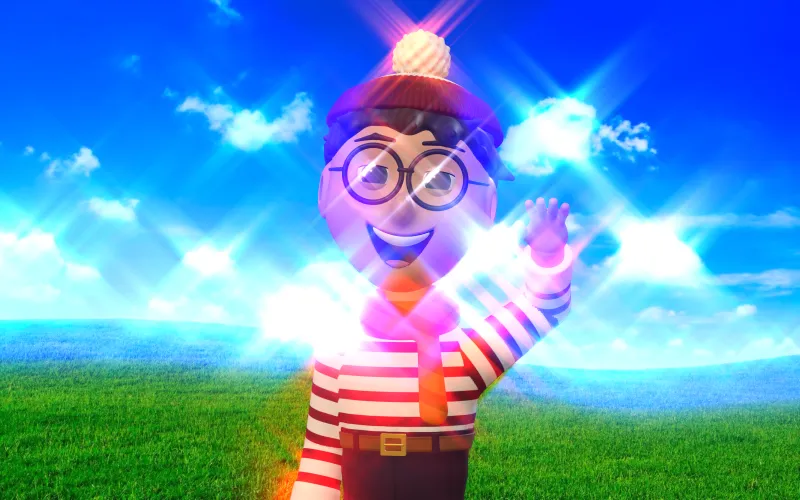
Star Filter
Puts thin four-point stars on every highlight.
-
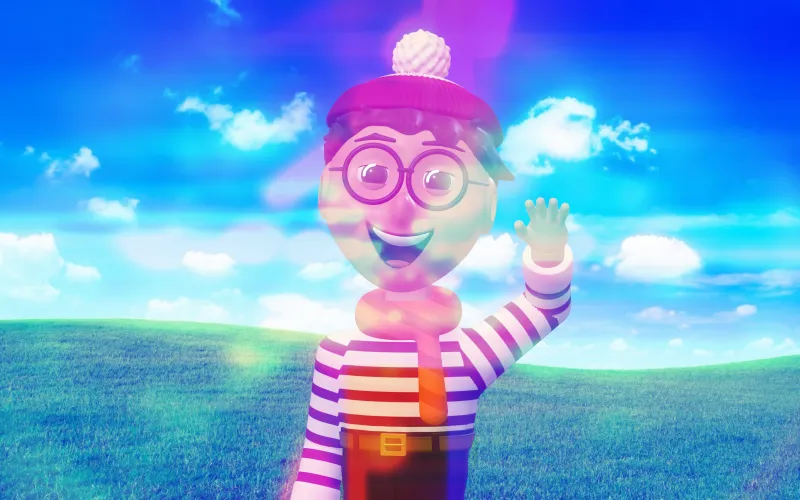
Lens Flare
Bright lights throw a chain of coloured ghosts.
-
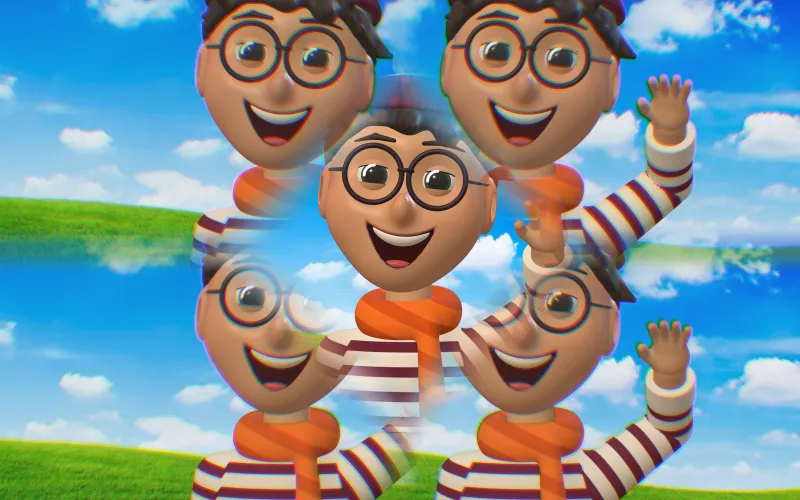
Prism Filter
Copies of the picture in facets around the centre.
-

Disposable Camera
A cheap flash, warm colours and a date stamp.
-

Tilt-Shift
Blurs above and below a band, like a miniature model.
-
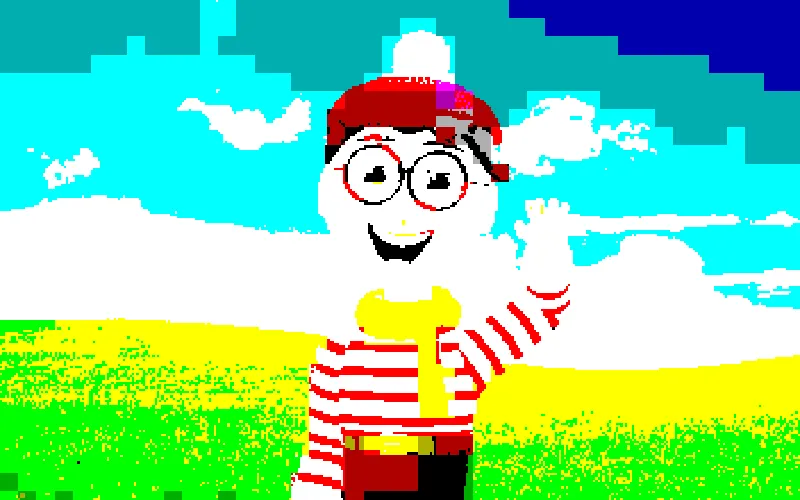
Colour Clash
An 80s home computer screen: bright, blocky colours.
-
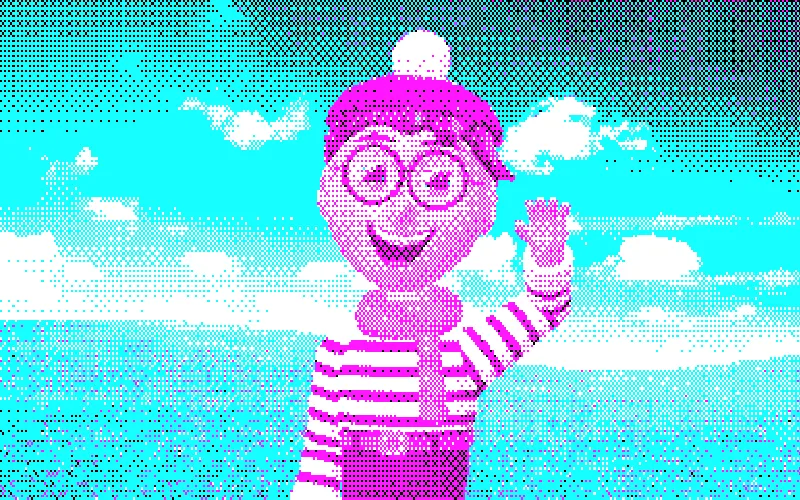
CGA
The first PC colour graphics in four harsh colours.
The editor
Small app with big features.
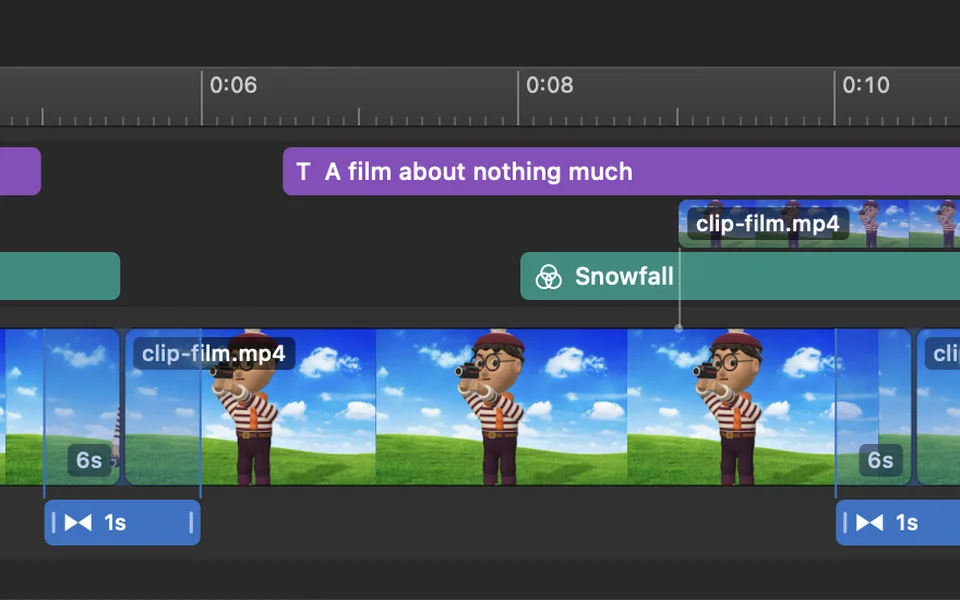
Magnetic timeline
Smooth zooming in and out. Trim, split, reorder, change speed, reverse, and drag past the end of a clip for a quick freeze frame.
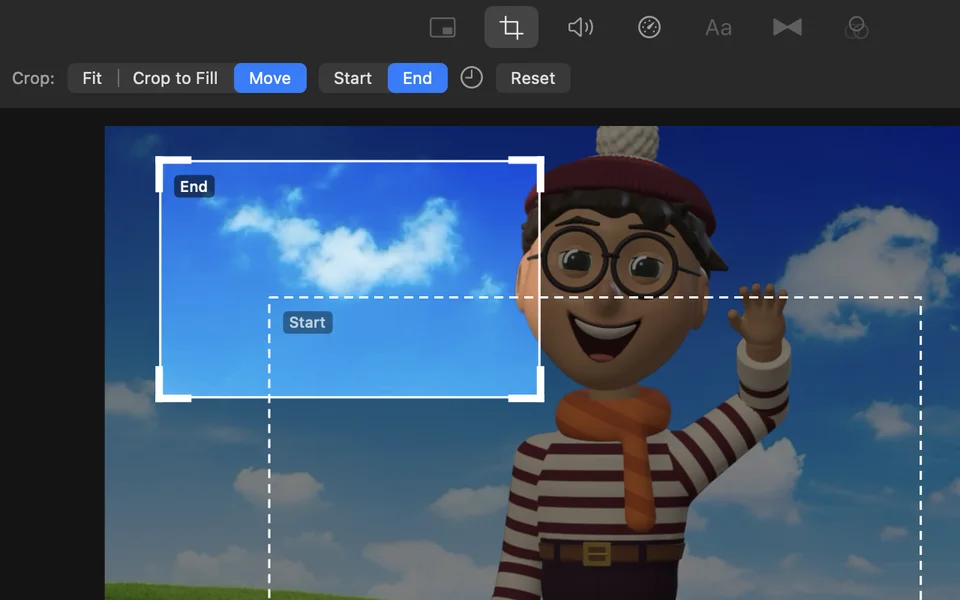
Zoom and pan
Set a start crop and an end crop and the picture moves between them, with a configurable ease in and out animation.
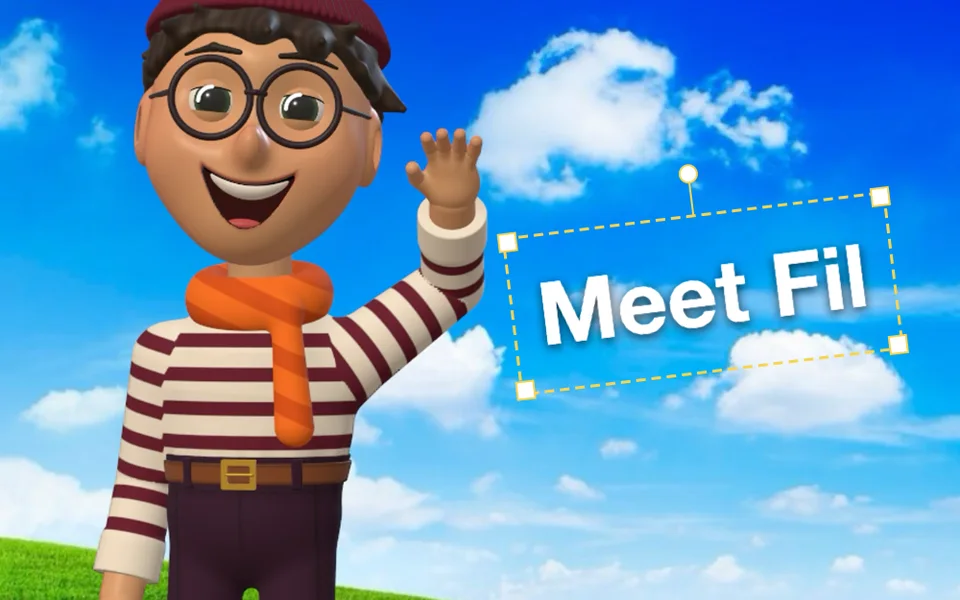
Titles
12 title styles and 32 text effects, in any font on your Mac. Freely position and rotate them in the frame. Add effects for text entrance and exit.
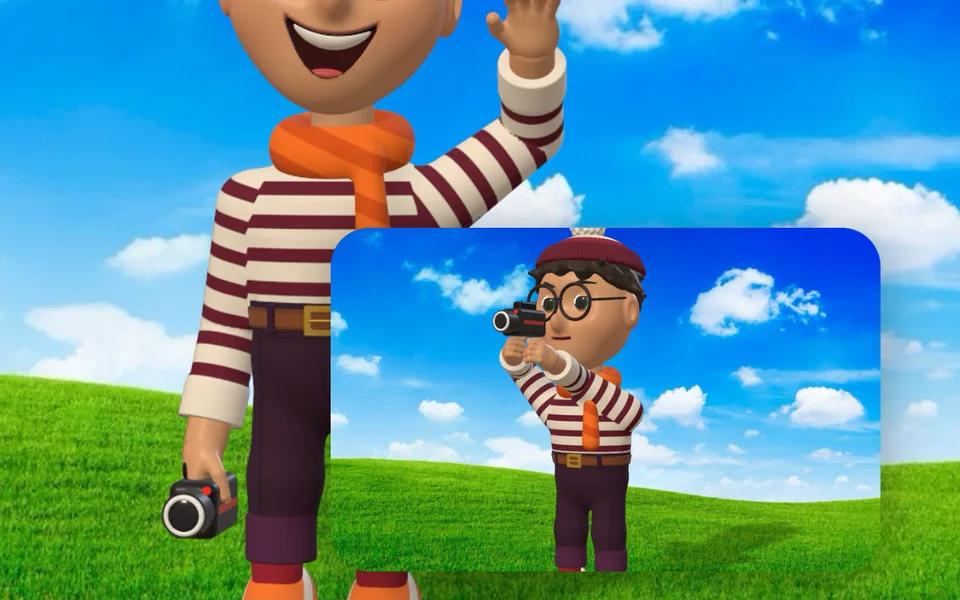
Overlays
Picture in picture, split screen and cutaways, with animated moves, rounded corners, shadows and borders.
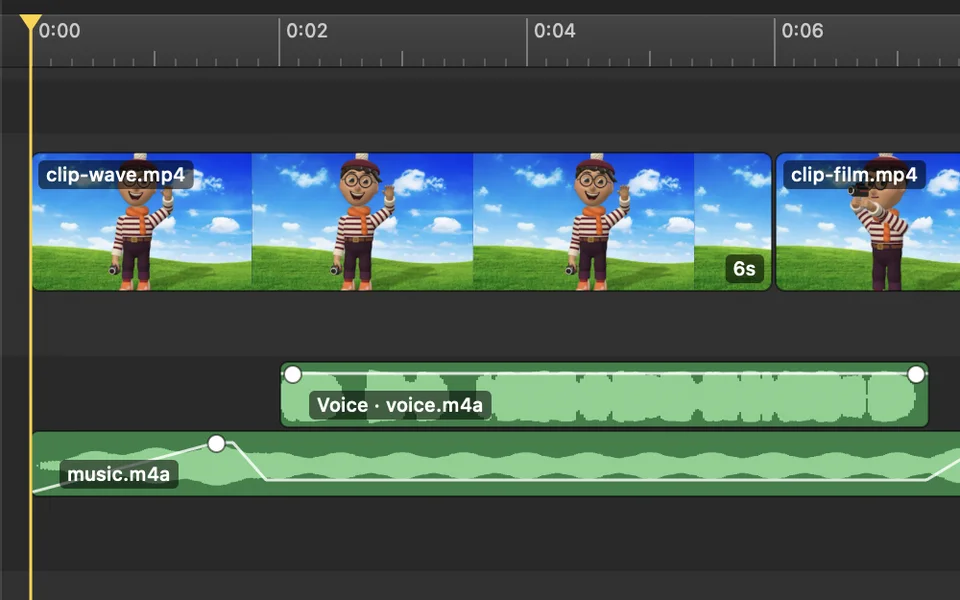
Audio
Music and voice rows, fades and crossfades, voiceover recording, voice isolation and music that ducks automatically when someone speaks.
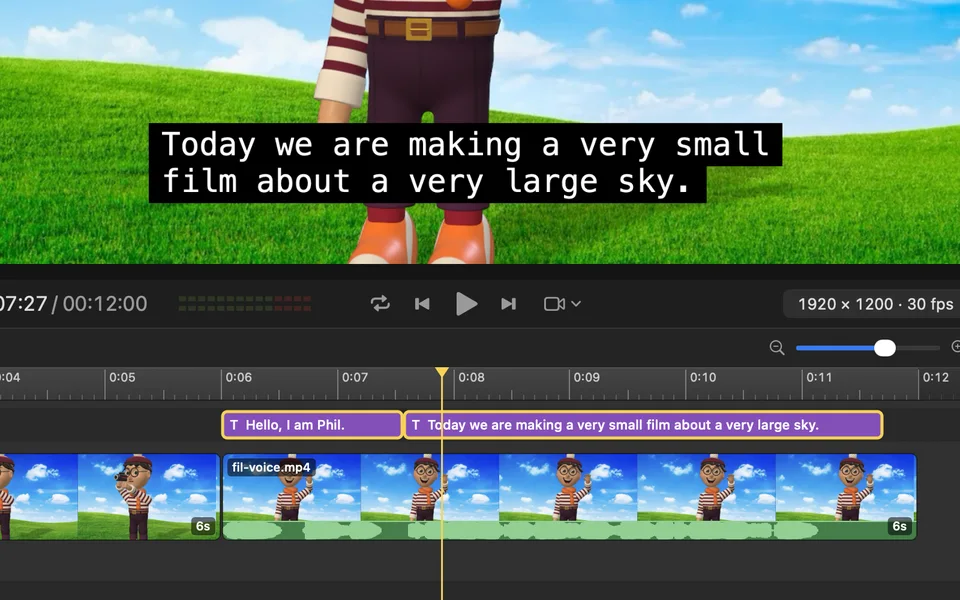
Closed captions
Speech is transcribed on your Mac and laid out as captions that you can edit like any other title.
Requires macOS 26 or later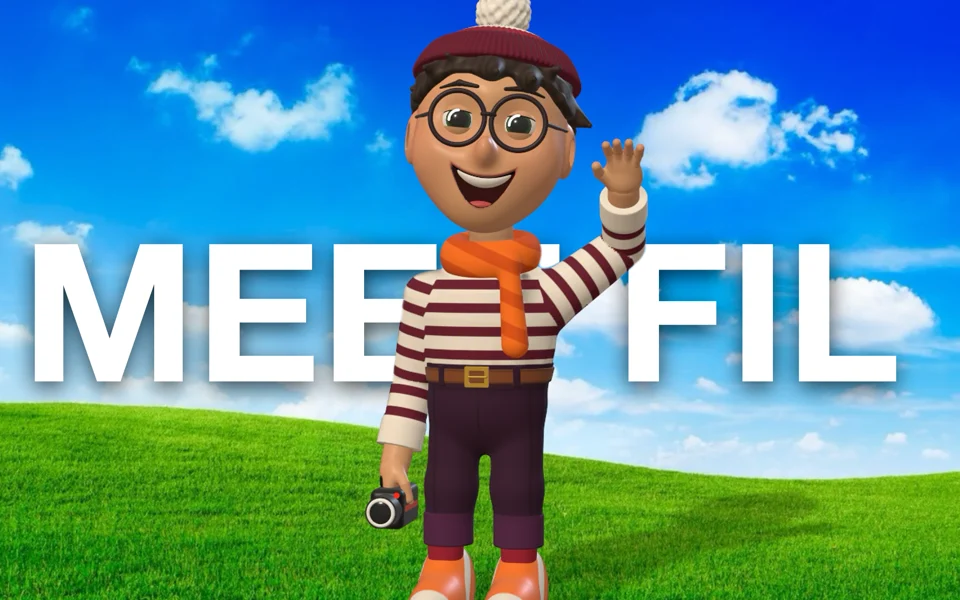
Person detection
Titles can sit behind the people in your shot, and effects like Mirror Ball separate them from the background.
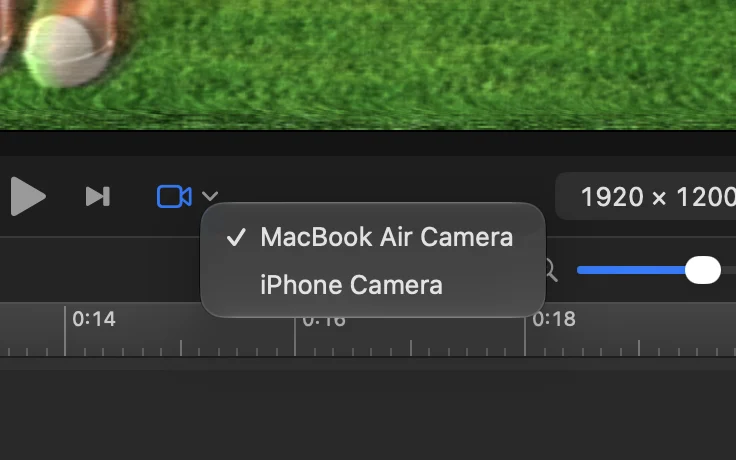
Try effects with built-in camera
Turn on your Mac's camera, or a nearby iPhone, and try effects on the live video.
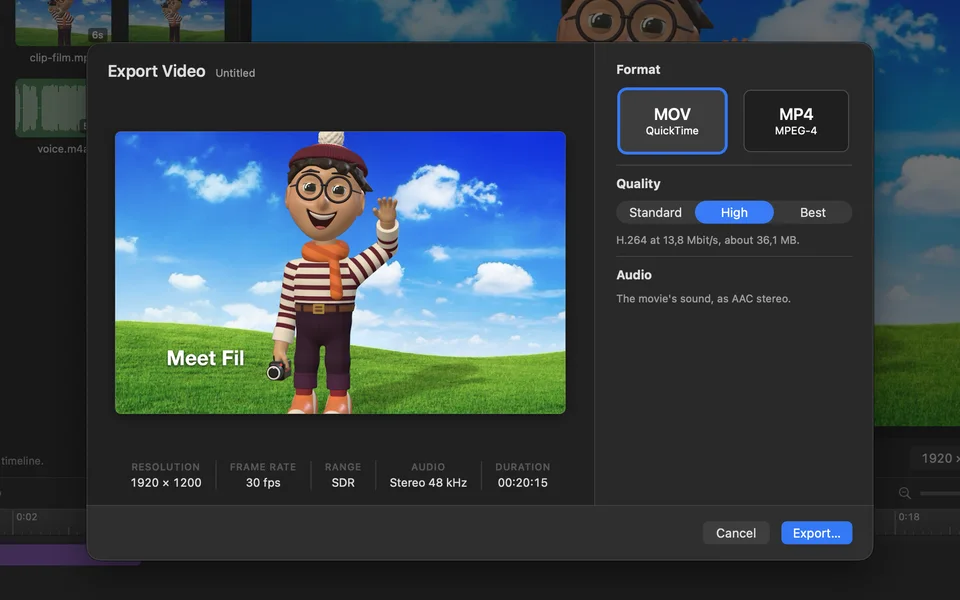
Export
H.264 video and AAC audio in MOV or MP4, at the project's size and frame rate. HDR supported.
The price
All features free. One optional payment.
PictureWriter is a free download, and every feature, transition and effect is available. Nothing is locked or limited.
Videos you export carry a watermark. A single purchase removes it. There is no subscription.
Questions
Questions you may have.
What is free and what isn't?
PictureWriter is free to download, and all features are included. Exported videos include a watermark. A one-time purchase of $9.99 removes it. There is no subscription.
Do my videos leave my Mac?
No. PictureWriter doesn't upload your videos, projects, or recordings, and it doesn't require an account.
These features run on your Mac, using Apple frameworks:
- Person detection
- Voice isolation
- Speech transcription for closed captions
- On-screen text for the Trailer Card and Computer Terminal transitions
PictureWriter stores working files, such as person masks and reversed clips, in a cache folder on your Mac. Voiceover recordings are saved in Movies/PictureWriter/Voiceovers.
The first time you use a caption language, macOS downloads the speech model for that language from Apple. Your audio isn't sent to Apple.
Activating a license sends your license key and your Mac's name to Lemon Squeezy, which handles the purchase. After that, PictureWriter doesn't contact it again unless you deactivate the license.
PictureWriter checks download.picturewriter.app for updates, which shares your app and macOS versions with that server, as any such check does.
Can I move my license to another Mac?
Yes. Choose License… in the PictureWriter menu and deactivate it, then activate the same key on the other Mac.
Which Macs does it run on?
PictureWriter requires macOS 14 or later and is designed for Mac computers with Apple silicon. Transitions and effects are processed on the GPU, so playback performance depends on your Mac's chip.
These results were measured on a MacBook Air with M4, testing each of the 194 transitions and effects on its own at 1080p:
- 1080p at 30 or 60 fps: M4 or later is recommended. A typical transition or effect renders in under 4 ms per frame, and 187 of the 194 render in real time at 60 fps.
- Demanding transitions: Contact Sheet and Rear Projection play at about 30 fps at 1080p.
- 120 fps: Requires a display with a 120 Hz refresh rate, such as a MacBook Pro with ProMotion or a compatible external display. On MacBook Air with M4, 151 of the 194 render in real time at 120 fps. A Mac with a Pro or Max chip is recommended for demanding transitions or multiple effects.
- 4K: 4K video has four times the pixels of 1080p and requires more GPU performance at any frame rate.
- Earlier Apple silicon chips: Supported. The viewer might drop frames when multiple effects are applied.
Playback performance doesn't affect exported videos. PictureWriter renders every frame during export.
Some features have additional requirements:
- Closed captions: Requires macOS 26 or later.
- Trailer Card and Computer Terminal: These transitions use Apple Intelligence, when available, to write their on-screen text. Otherwise, they use standard text.